
Steps to Create a Student Account
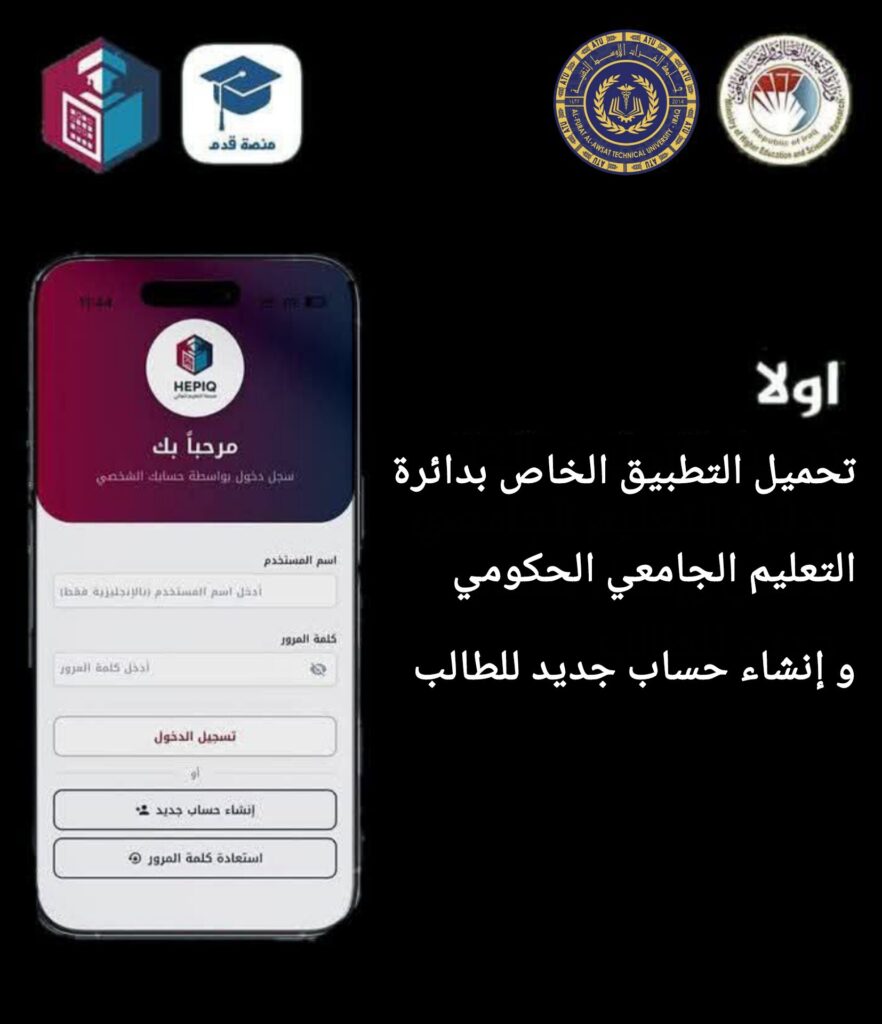
1-Download the “Qadam HEPIQ” app from the Google Play Store.
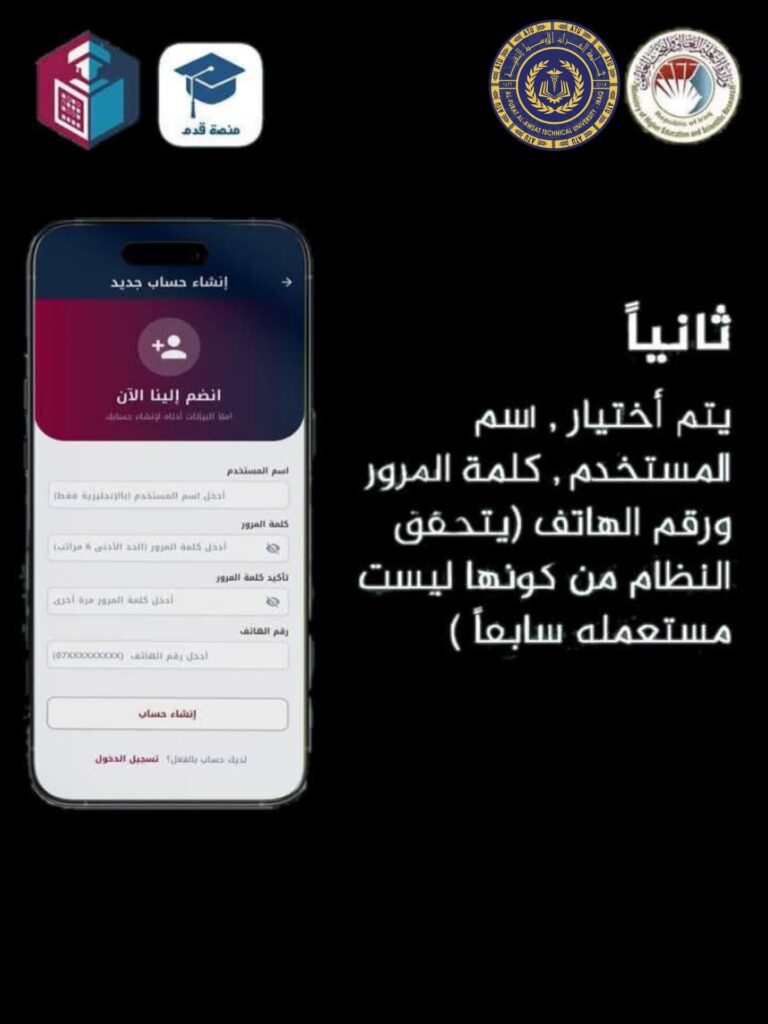
2-Choose a username and password, then enter your phone number.
3- Take a clear live photo of yourself.
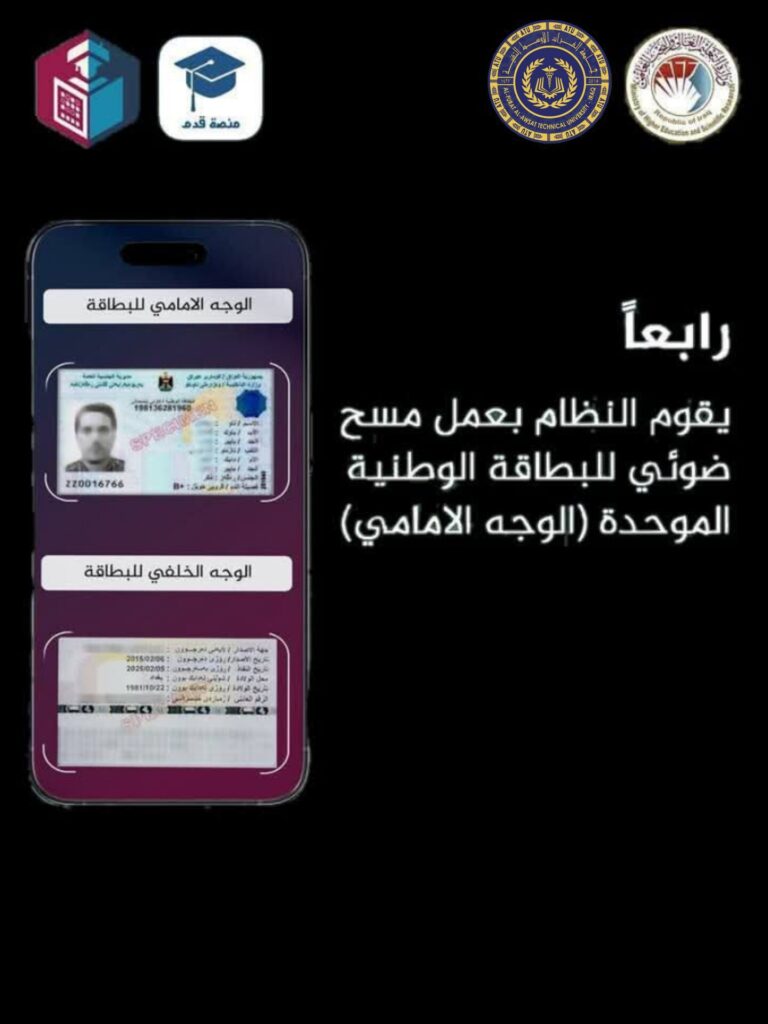
4-Scan your national ID card.
5-After completing the previous steps, your account will be successfully created.